


 Français
The topic of containerization constantly resurfaces in discussions between infrastructure and development teams. Behind this term lies a technical approach that has profoundly changed how applications are built, delivered, and run in production. Rather than a mere fad, containerization addresses a concrete problem every developer has faced: an application that works on a development workstation but fails in production because of environmental differences. Understanding this mechanism, its technical foundations, and its practical implications has become indispensable for anyone working in software engineering or system administration. Whether you manage an aging monolithic infrastructure or design a distributed architecture, containers constitute a technical foundation that must be mastered deeply. Below is a comprehensive overview of this technology, from its principles to its future prospects.
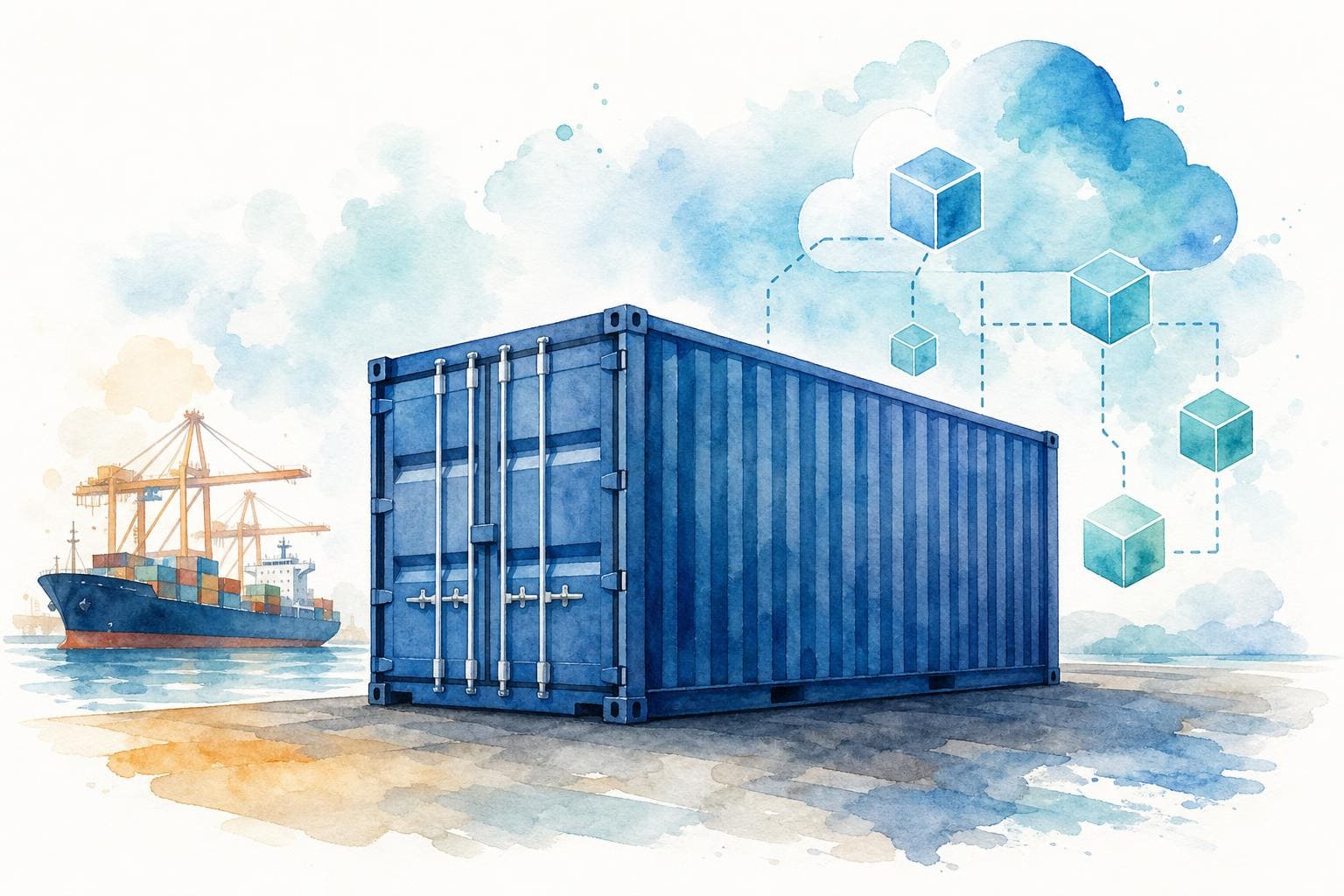
Definition and Fundamental Principles of Containerization
The Concept of Software Encapsulation
Containerization means packaging an application together with all its dependencies, libraries, configuration files, binaries, into a standardized unit called a container. This container runs isolated on a host system while sharing the underlying operating‑system kernel. Unlike a classic installation where the application depends directly on the host OS, the container carries everything it needs to run. The result is a reproducible, portable, and predictable artifact.
The idea is not new. chroot mechanisms on Unix, introduced as early as 1979, already laid the groundwork for process isolation. Linux kernel features cgroups (2006) and namespaces (2002) later provided the primitives necessary to isolate resources (CPU, memory, network) and namespaces (PID, mount, network) for each container.
Key Differences Between Containers and Virtual Machines
Confusion between containers and virtual machines (VMs) persists, although the two technologies serve different needs. A VM virtualizes an entire hardware stack: it includes its own kernel, guest operating system, and a hypervisor (KVM, VMware ESXi, Hyper‑V) that abstracts the hardware. A container, by contrast, shares the host kernel and only virtualizes the user space.
Practical consequences are significant:
- A container starts up in a matter of milliseconds, compared to several tens of seconds for a VM
- A container’s memory footprint is measured in megabytes, whereas a VM’s is measured in gigabytes
- Density on a single host is much higher: hundreds of containers compared to a few dozen VMs
- VM isolation remains stronger, as there is no shared kernel attack surface
The two approaches are not mutually exclusive. Many production architectures run containers inside VMs to combine container density with the hardware‑level isolation of VMs.
Technical Operation and Architecture
Role of the Container Runtime
The container runtime is the software component that creates, runs, and supervises containers on a host. Docker Engine, the most well‑known, actually consists of several layers: the dockerd daemon receives API requests, containerd manages the container lifecycle, and runc (conforming to the OCI Runtime specification) performs the system calls that create the container using Linux namespaces and cgroups.
This layered architecture matters. For example, Kubernetes dropped direct Docker support in version 1.24 in favor of containerd or CRI‑O because the Docker daemon added an unnecessary abstraction layer for orchestration purposes. Understanding this stack helps diagnose performance and security issues that inevitably arise in production.
Images, Registries, and Kernel Isolation
A container image is a layered, read‑only filesystem built from a Dockerfile (or Containerfile). Each Dockerfile instruction, FROM, RUN, COPY, etc., produces a distinct layer, enabling caching and sharing across images. An image based on debian:bookworm‑slim weighs roughly 80 MB, whereas a full Ubuntu Desktop image is about 1.2 GB.
Registries (Docker Hub, GitHub Container Registry, Harbor for private deployments) store and distribute these images. Pull/push works layer by layer: only missing layers are transferred, dramatically reducing bandwidth consumption. Isolation relies on Linux namespaces (PID, NET, MNT, UTS, IPC, USER) that fence each container’s view of the system. cgroups v2, now the standard on recent kernels (5.2+), enforce fine‑grained resource limits per container.
Major Benefits for Development and Deployment
Multi‑Cloud Portability and Hybrid Environments
The primary asset of containerization is true application portability. A container built on a developer machine running Ubuntu 22.04 will run identically on a Kubernetes node hosted on AWS (EKS), Google Cloud (GKE), or OVHcloud. This eliminates the classic “it works on my machine” discrepancy between development, staging, and production.
For organizations operating hybrid environments, part on‑premises, part in a public cloud, containers provide an abstraction layer that simplifies migrations and multi‑cloud strategies. A single CI/CD pipeline can produce one artifact deployable on any OCI‑compatible platform, reducing the operational cost of maintaining environment‑specific deployment scripts.
Agility, Scalability, and Microservices
Containers have accelerated the adoption of micro‑service architectures. Each service, authentication, payment, notification, runs in its own container with its own lifecycle and dependencies. Teams can deploy, update, or roll back a service without impacting others.
Horizontal scaling becomes trivial: adding instances of a service is just launching more containers behind a load balancer. Fast startup times (often < 500 ms) let you react to traffic spikes within seconds. Continuous deployment pipelines exploit this velocity to ship dozens of releases per day, whereas traditional VM‑based deployments took hours.
Core Tools in the Ecosystem
Docker: The Market Standard
Docker remains the reference tool for building and running containers on a development workstation. Docker Desktop (available for macOS, Windows, and Linux) provides a GUI and an integrated environment. Docker Compose lets you define multi‑container stacks via a YAML file; a PostgreSQL database, a Redis cache, and a Python API can be launched with a single docker compose up.
Podman, developed by Red Hat, is a credible alternative. It runs daemonless and defaults to root‑less containers, reducing the attack surface. Its commands are Docker‑compatible, easing migration. Buildah and Skopeo complement the ecosystem for image building and registry management.
Kubernetes and Container Orchestration
Running a container on a single host is easy. Managing hundreds of containers across a cluster requires an orchestrator. Kubernetes (K8s), originally created by Google and now maintained by the CNCF, has become the de‑facto platform. It handles pod scheduling (pods are groups of containers), service discovery, load balancing, rolling updates, and self‑healing (automatic restart of failed containers).
The Kubernetes ecosystem includes Helm for packaging applications, Istio or Linkerd for service meshes, and Argo CD or Flux for GitOps. Lightweight distributions such as K3s (Rancher/SUSE) enable Kubernetes deployment on constrained environments: edge computing, Raspberry Pi, or ephemeral CI/CD runners.
Challenges and Best‑Practice Implementation
Security and Vulnerability Management
Sharing the kernel among containers is a potential attack vector. A container‑escape vulnerability such as CVE‑2024‑21626 (runc) allows a malicious process to break out of its namespace and access the host. Mitigations include:
- Running containers root‑less (the container’s root user is not root on the host)
- Scanning images with Trivy, Grype, or Snyk for known CVEs
- Enforcing policies via Kubernetes Pod Security Standards (restricted, baseline, privileged)
- Using sandboxed runtimes like gVisor or Kata Containers for sensitive workloads
Signing images with Cosign (Sigstore project) guarantees supply‑chain integrity and prevents deployment of unsigned images.
Data Persistence and Storage
Containers are inherently ephemeral: their filesystem disappears when they stop. This is problematic for stateful applications (databases, message queues). Docker volumes and Kubernetes PersistentVolumes provide persistent storage abstractions. In Kubernetes, StorageClasses enable dynamic provisioning of volumes via CSI (Container Storage Interface) drivers compatible with cloud providers or on‑prem solutions such as Ceph, Longhorn, or OpenEBS.
Best practice: clearly separate stateless workloads (easy to replicate) from stateful workloads (require careful storage and backup strategies). Specialized Kubernetes operators, e.g., CloudNativePG for PostgreSQL, automate the lifecycle of containerized databases.
The Future of Containerization in Modern Computing
Containerization continues evolving toward lighter, more specialized execution models. WebAssembly (Wasm) is emerging as an alternative to traditional containers for certain workloads: Wasm modules start in microseconds, use less memory, and provide a capability‑based security model. Projects like WASI (WebAssembly System Interface) and runtimes such as WasmEdge or Spin (Fermyon) already allow Wasm workloads to run alongside OCI containers on Kubernetes via the runwasi project.
Edge computing and IoT push containerization into resource‑constrained environments. Distributions like K3s, MicroK8s, or KubeEdge adapt orchestration to those limits. Serverless architectures built on containers (AWS Fargate, Google Cloud Run, Scaleway Serverless Containers) abstract away all underlying infrastructure while retaining OCI‑image portability.
The overall trend is clear: the container has become the standard unit of software deployment. Whether migrating a monolith gradually or building a native distributed system, mastering containerization and its tooling is a durable technical investment. Teams that want to deepen their expertise should start with a concrete use case, containerize an existing application with Docker, deploy it to a local K3s cluster, and then progress to large‑scale orchestration challenges.

